Automated Print-Ready Exports for Custom Products
Last updated:
Hands-off production
No more opening each file to add bleeds, adjust DPI, and re-export. Print profiles apply automatically on every order — saving up to 80% of production prep time.
Print-ready output
Every file is generated at production-grade resolution with automatic bleed, trim marks, and color accuracy.
Order-to-production
Files are generated, labeled, and delivered to your team automatically the moment a customer places an order. No manual step in between.
Features
How print automation changes your production workflow
From the moment an order is placed to the moment your production team opens the file — every step is automated.
Print-Ready File Generation
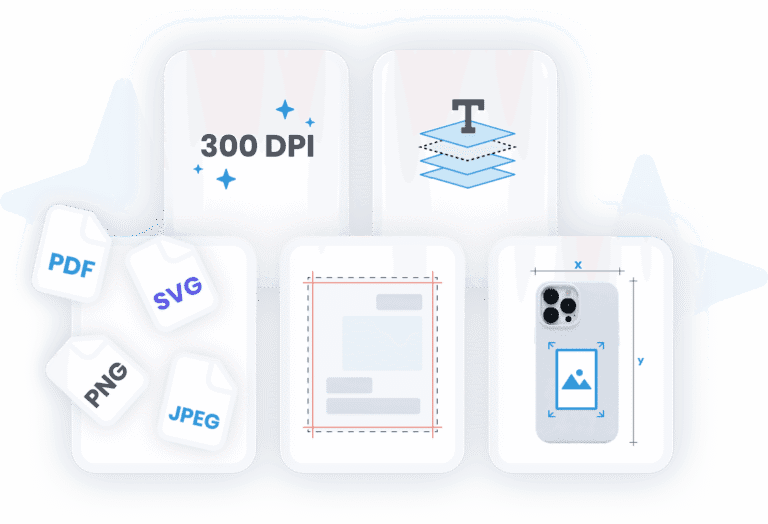
Every export is generated at 300 DPI standard with customizable resolution settings. Sharp, professional prints every time.
Bleed zones and trim marks are applied automatically based on your product specifications. No manual setup per order.
Export in PDF, PNG, SVG, and JPEG. Vector elements remain scalable, and text layers are preserved for last-minute edits.
Each product can have its own size, resolution, and print area settings. Chamevo applies the correct specs to every order automatically.
Built-in color separation for screen printing and specialty workflows. Files are production-ready without additional software.
Automated Email Delivery
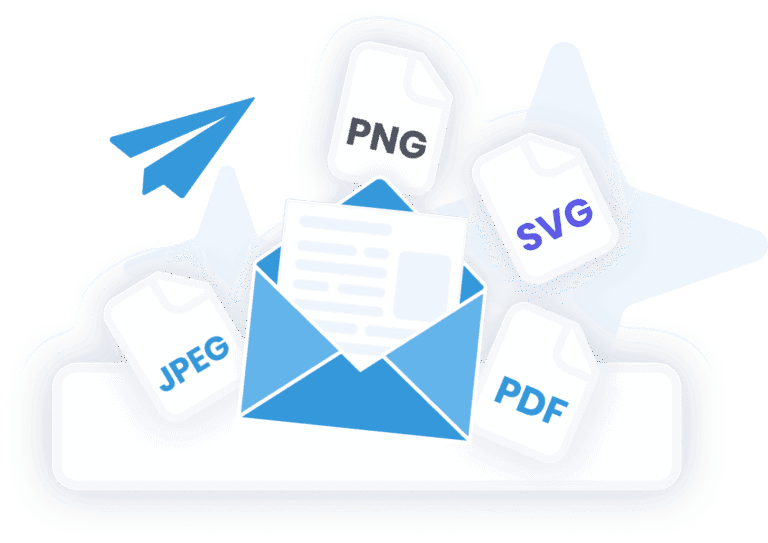
Your production team receives an email the moment an order is placed — with all files attached and organized by order number.
Customers get instant confirmation with a preview of their design and download links for their personal records.
Special instructions, design specifications, and product details are included automatically — no back-and-forth emails needed.
Cloud Storage & Integrations
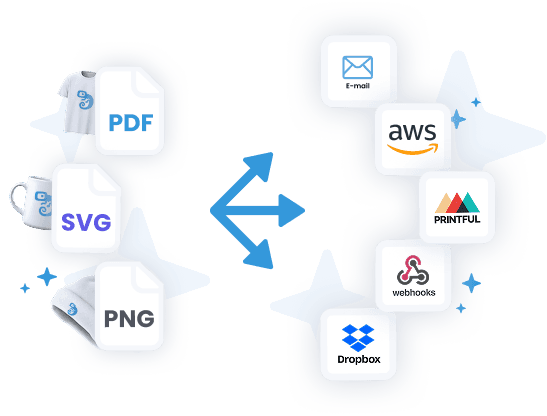
Files sync automatically to organized Dropbox folders matching your order structure. Your team picks them up without logging into Chamevo.
Enterprise-grade cloud storage with global CDN access. Ideal for high-volume operations that need API-level file access.
Trigger custom workflows when orders are placed. Connect Chamevo to your existing production systems, ERPs, or fulfillment tools.
Send orders directly to Printful for automated print-on-demand fulfillment. Design in Chamevo, fulfill through Printful.
Setup
How it works
Set up your print profiles
Customers design and order
Files arrive in your workflow
FAQ
Frequently asked questions
Everything you need to know about print automation in Chamevo.
Chamevo generates print-ready PDF, PNG, SVG, and JPEG files. Vector elements stay scalable and text layers are preserved. You can set the default format per product or per print profile.
All exports are generated at 300 DPI by default, which is the industry standard for professional printing. You can customize the resolution per product if your workflow requires different settings.
You define bleed zones and trim marks once per product in your print profile. Chamevo applies them automatically to every order — no manual setup needed.
Yes. Chamevo sends production-ready files via email notification the moment an order is placed. You can also auto-upload to Dropbox, AWS S3, or trigger webhooks to connect with your existing systems.
Yes. Chamevo integrates with Printful for automated print-on-demand fulfillment. Customer designs flow from the customizer to Printful without manual file handling.
Yes. Chamevo supports batch export for high-volume operations. Process hundreds of orders with a single click instead of handling them one by one.
No. Print automation is built into every Chamevo plan. There is nothing extra to install — it works out of the box on both Shopify and WooCommerce.
Print-ready exports are included on all plans starting from Starter ($29/month). Cloud storage integrations (Dropbox, AWS S3) and webhook automation are available on Growth ($89/month) and above.