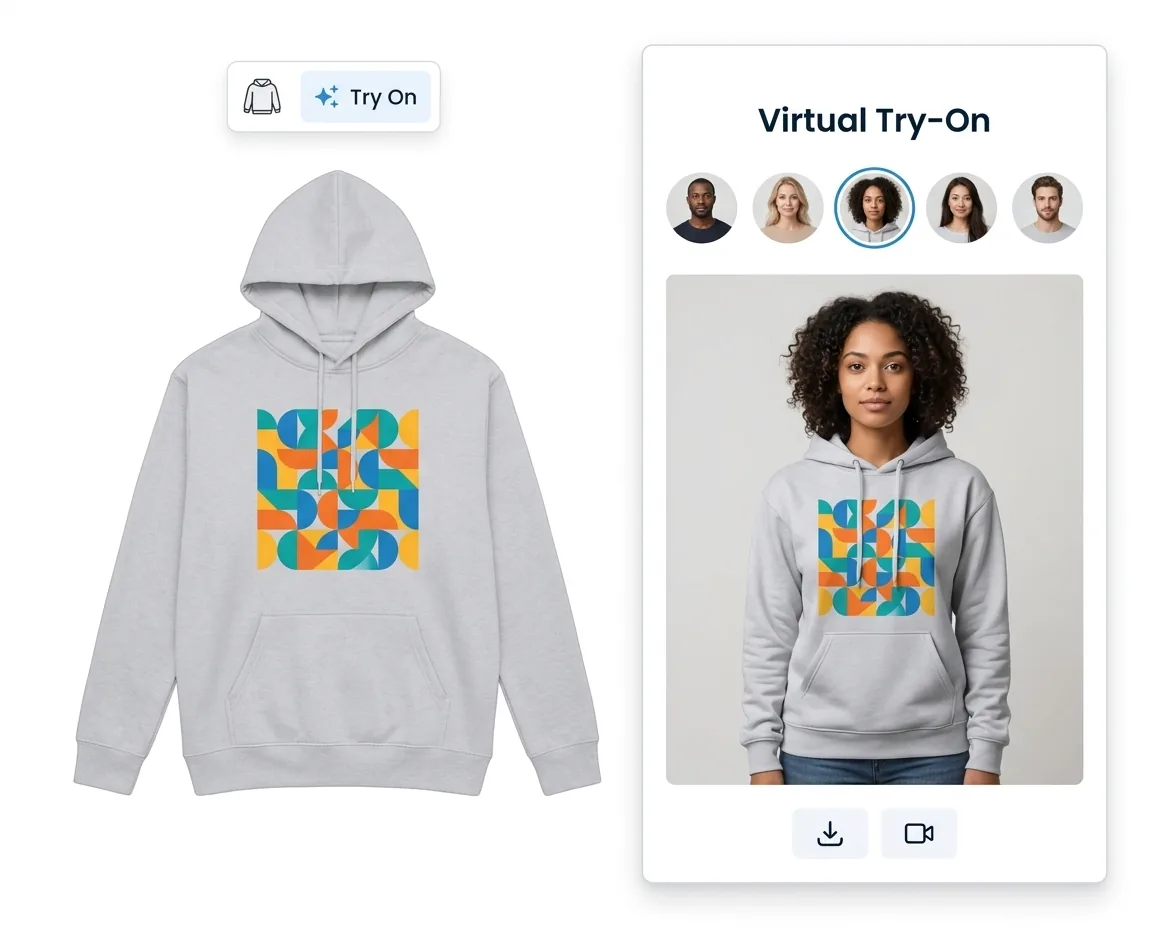
AI Virtual Try-On
Customers see their custom design on a real model. 5 built-in models, photo upload, style prompts, and video generation.
Last updated:
Built-in Tools
Customers upload blurry photos, skip designs because they lack assets, or abandon carts because they can't picture the product on themselves. These four tools fix each problem in seconds — without leaving your store.
Customers see their custom design on a real model. 5 built-in models, photo upload, style prompts, and video generation.
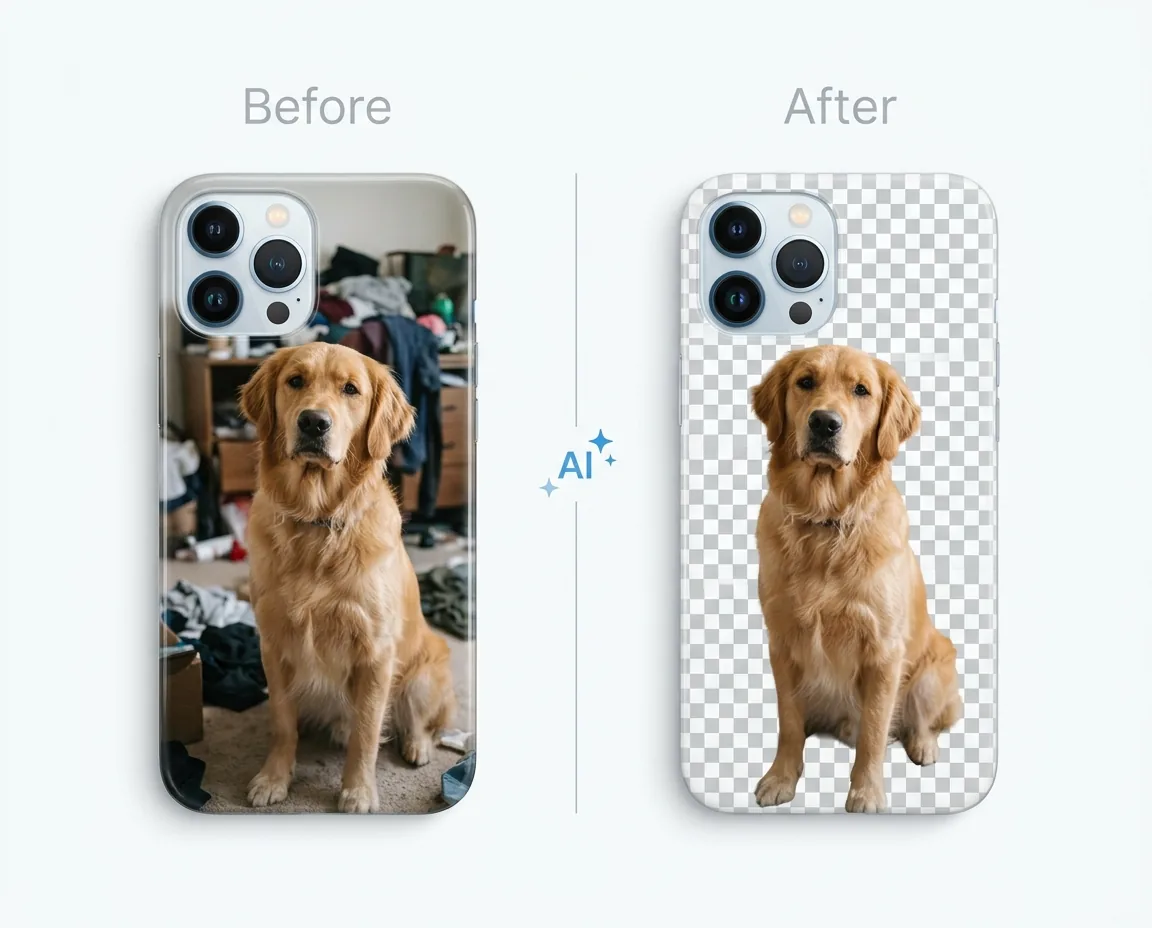
One click removes cluttered backgrounds from customer uploads. Works on raster images with full undo/redo.
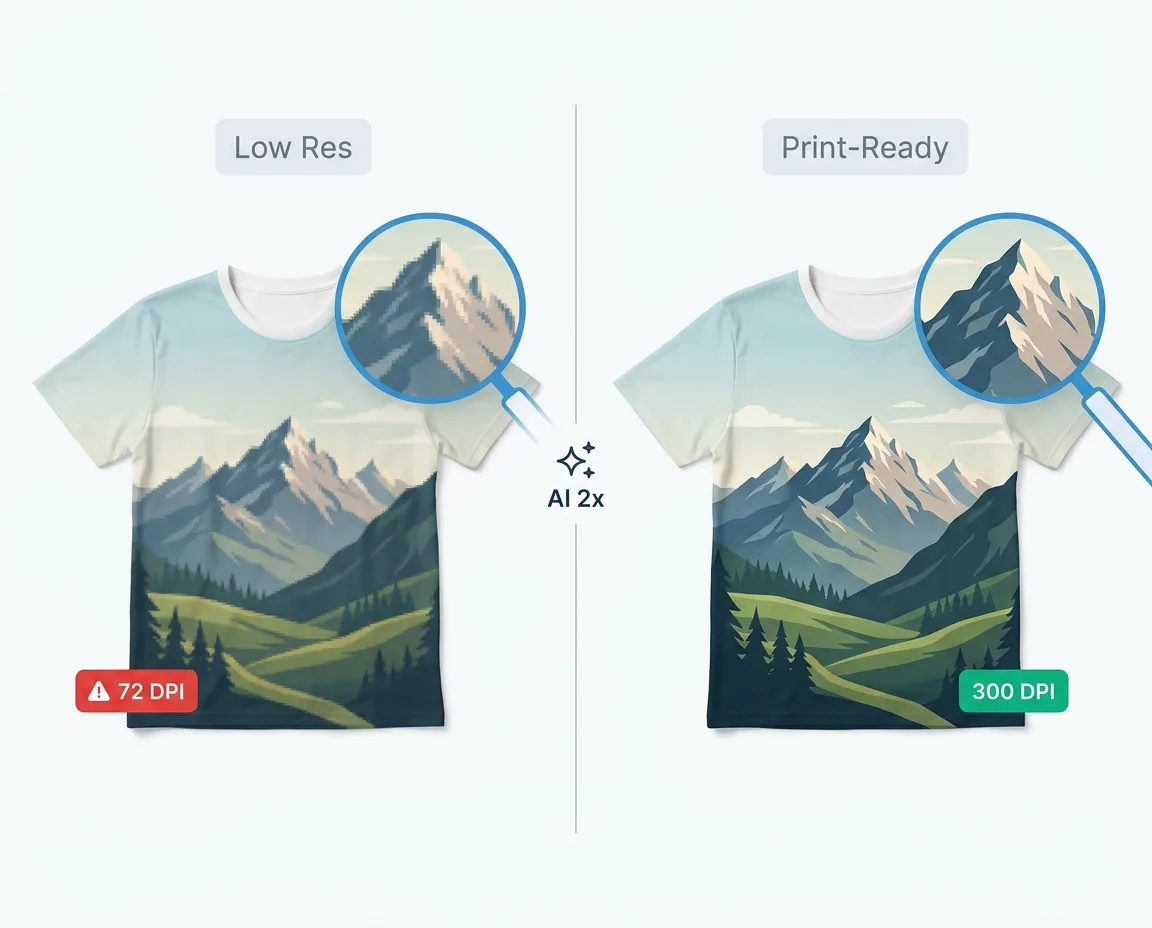
Auto-detects low-resolution uploads and offers one-click 2x enhancement. Prevents blurry prints before they reach production.
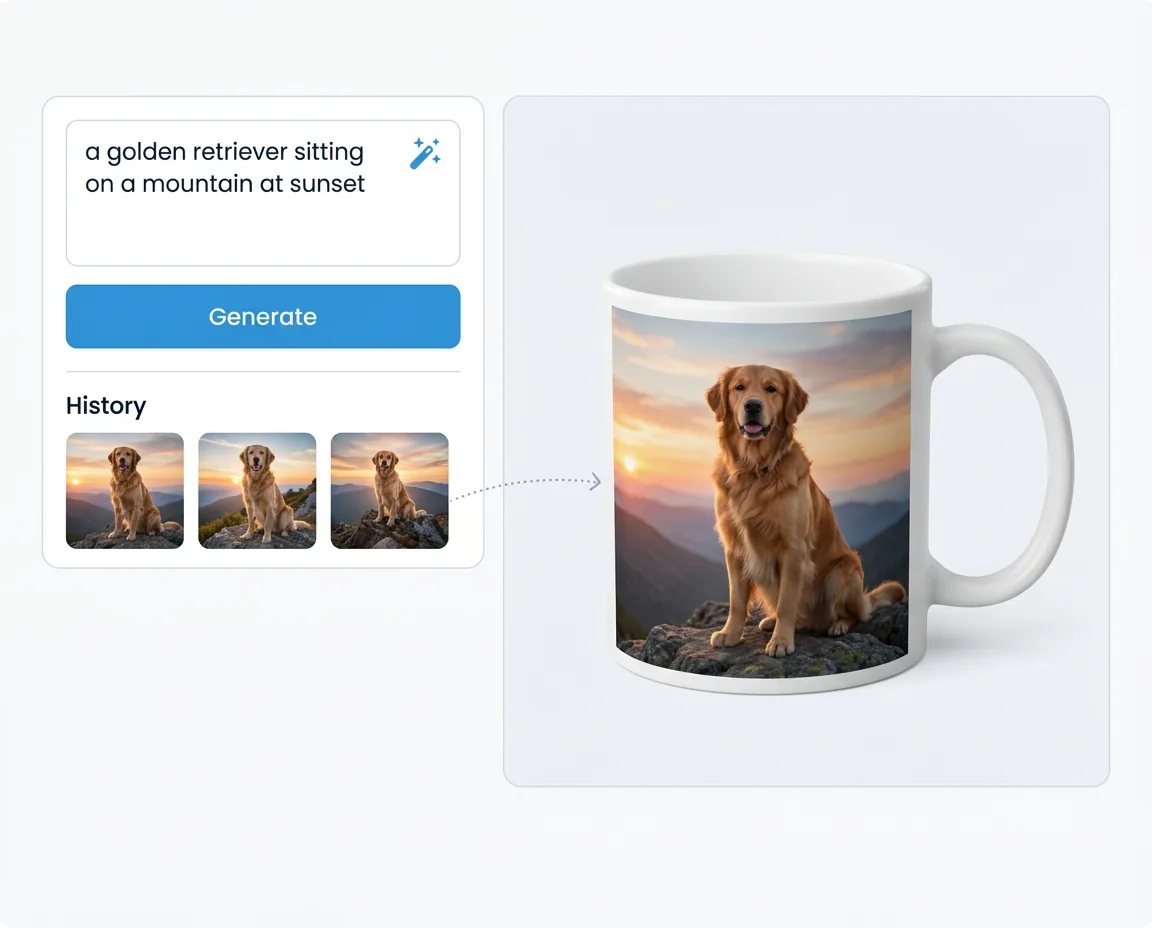
Customers describe what they want and get a usable image in seconds. Drag generated images straight onto the product canvas.
All plans include monthly AI credits. Pay only for what your customers use.
| Tool | Credits per use |
|---|---|
| Virtual Try-On (image) | 15 credits |
| Virtual Try-On (video 5s/720p) | 20 credits |
| Background Removal | 5 credits |
| Image Upscaling | 2 credits |
| Text-to-Image | 1 credit |
| Starter: 100 credits/mo · Growth: 500 credits/mo · Pro: 1,500 credits/mo | |
MCP Server
Set up products, views, and print areas in exact millimeters — described in plain English, executed instantly.
Ask for today's open orders and receive print-ready files for every one of them — no clicking through order lists.
Find your customers' most-used fonts, unused colors, or products with missing print areas with a single question.
FAQ
Everything you need to know about AI tools in Chamevo.
AI tools are built-in capabilities that help customers create better designs and visualize their products more accurately. In Chamevo, this includes virtual try-on (see the product on a model), background removal (clean up uploaded photos), image upscaling (fix low-resolution files), and text-to-image generation (create images from a text description). All four tools work inside the customizer — customers do not need any external software.
When a customer clicks the try-on button in the customizer toolbar, they choose a model photo — either from the five built-in options or by uploading their own — and Chamevo uses FASHN.ai to render the customized product onto that photo in seconds. The result appears inside the customizer. Customers can also enter style prompts to adjust the scene, or generate a short video of the model wearing the product.
AI credits are included in your Chamevo plan each month. Background removal costs 5 credits, image upscaling costs 2 credits, and text-to-image generation costs 1 credit. Virtual Try-On costs 15 credits per image and 20 credits per video. Credits refresh each billing cycle, and you only pay for what your customers actually use.
All Chamevo plans include AI tools. The Starter plan ($29/month) includes 100 AI credits per month, Growth ($89/month) includes 500 credits, and Pro ($199/month) includes 1,500 credits. Enterprise plans include custom credit allocations. AI tools are optional — they only appear in the customizer when enabled in your settings.
Yes. Customers can upload a personal photo and Chamevo will render their customized product onto it using AI. This creates a highly personal preview that builds confidence and reduces the likelihood of returns. If customers prefer not to upload a personal photo, they can use one of the five built-in model photos instead.
Yes. All four AI tools are accessible from the customizer toolbar on mobile devices. Since 70–80% of your store traffic arrives on mobile, the AI features are designed to work reliably on smaller screens with touch interactions. Virtual try-on, background removal, upscaling, and image generation all function the same way on mobile as on desktop.
Yes. All AI requests are routed through a secure server-side proxy — customer images and prompts are never sent directly from the browser to a third-party API. Your API keys are stored server-side and never exposed. Chamevo processes AI requests on your behalf and returns only the result to the customizer.
Partner Program
Build product customization into your client projects — without developing it from scratch.
Join 20,000+ e-commerce stores using Chamevo to sell custom products with confidence.
14-day free trial • Cancel anytime